
Bitpanda portfolio tracker
Import your Bitpanda trades and see what your money really earned, next to every other broker you use.
See what your money really earned
Bitpanda shows you what your account is worth. Stonksfolio shows how well the money did: a time-weighted return that ignores the timing of your deposits, a net return in money, and how much of it came from exchange rates.
- Crypto buys and sells
- Stocks and ETFs
- Staking rewards, at the market price on the day
- Fees
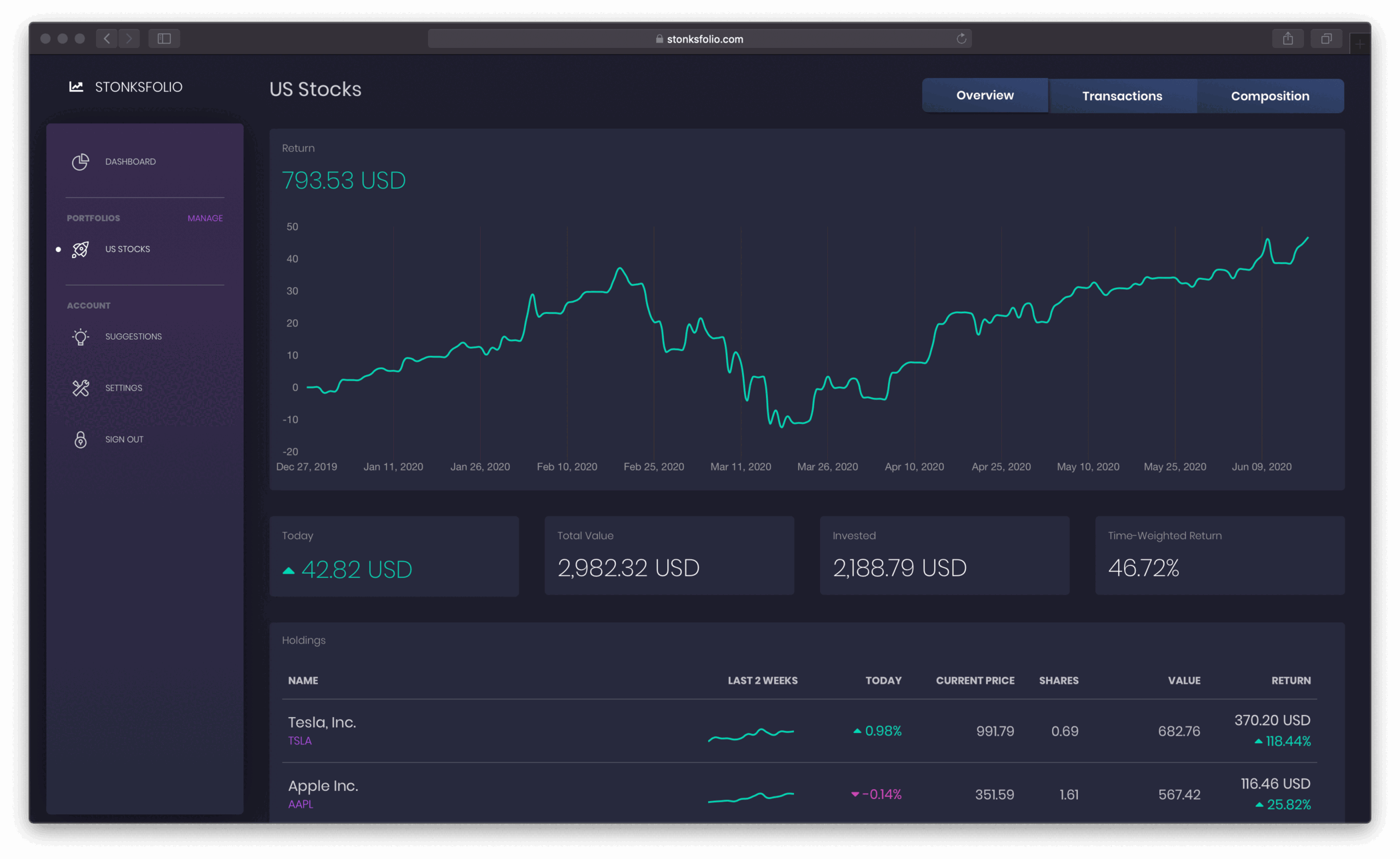
Bitpanda and the rest, in one place
If you also invest through another broker, add it next to Bitpanda and see one total and one return across all of them.
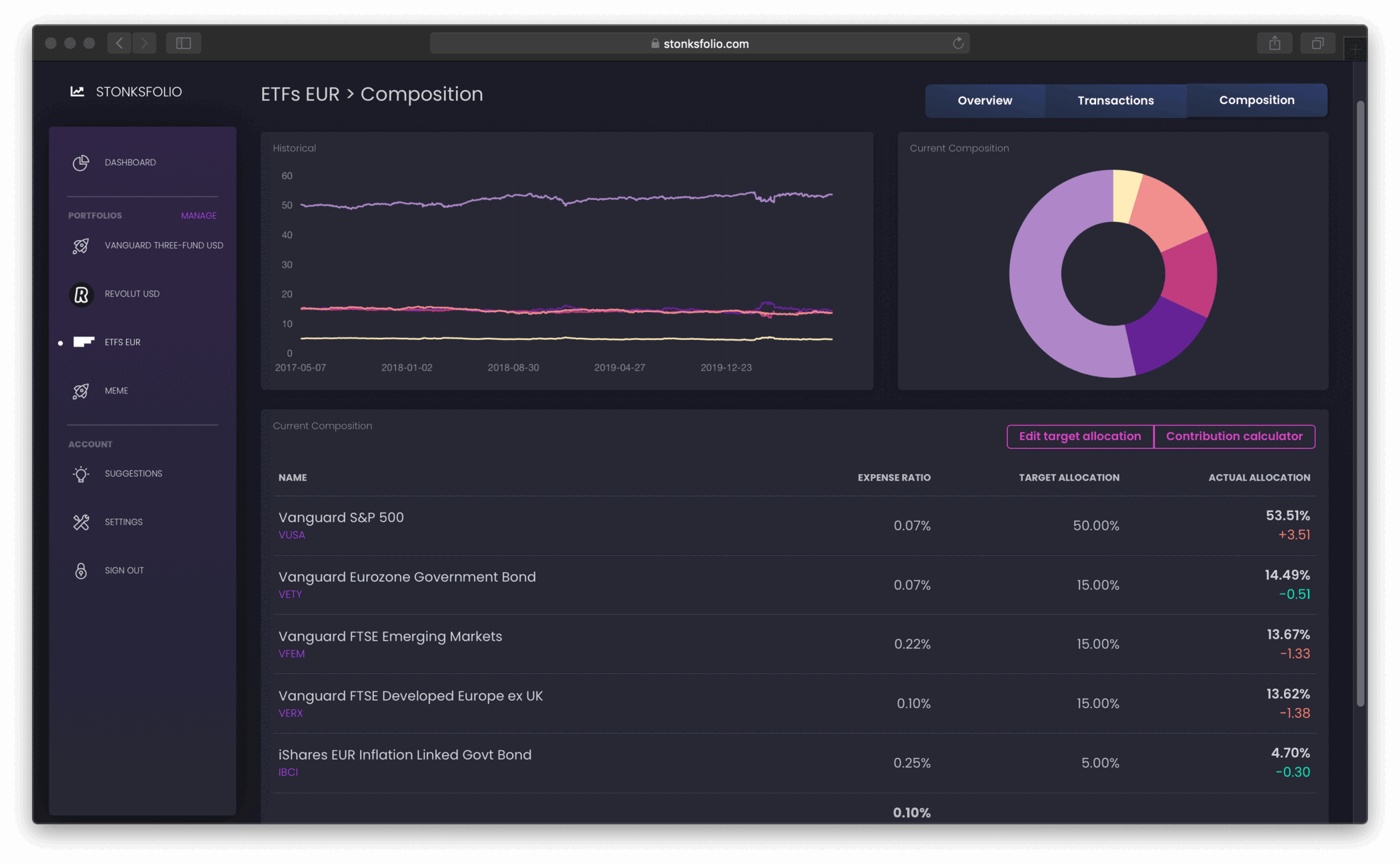
Import from Bitpanda in a few minutes
- Log in to Bitpanda on the web and open the profile menu in the top-right corner.
- Select History to see every trade, transfer and reward.
- Click the export icon and choose CSV.
- Upload the file to your portfolio in Stonksfolio.
Each step is explained in more detail in Bitpanda export to CSV.
Bitpanda specifics
Staking rewards
Rewards are imported as purchases at the market price on the day you received them, so your holdings and your cost basis stay correct.
Transfers are skipped
Deposits, withdrawals and internal transfers to staking don't change what you own, so they aren't imported as trades.
Crypto and shares together
Coins and listed securities from the same export land in the same portfolio.
Questions
Does Stonksfolio connect to my Bitpanda account?
No. You export your history as CSV and upload it. Nothing can trade on your behalf.
How are staking rewards handled?
As purchases at the market price on the day you received them.
Are stocks and ETFs from Bitpanda supported?
Yes. Listed securities in the export are matched by symbol.
Are deposits imported?
No. Deposits, withdrawals and internal transfers are skipped.
Bring your Bitpanda portfolio over
It's free to start and you don't need a credit card.