
Degiro export transactions step by step
Which file to pick, how to get it out of Degiro, and what you can do with it next.
How to export from Degiro
-
Log in to Degiro on the web and open Activity from the menu.
-
Open the Transactions tab. The Account statement has no trade details, so it won't work.
-
Set the dates to cover everything you want to import, click Export and choose CSV.
-
Upload Transactions.csv to your portfolio in Stonksfolio and review the trades before they are saved.
Everything about the import itself is in the Degiro import guide.
What to know about the Degiro export
Use the Transactions export
Activity has two exports. Transactions lists every buy and sell. Account lists cash movements such as deposits, dividends and fees, without trade details.
Choose CSV as the format
Degiro offers several formats. CSV is the one other apps can read.
Set the from date first
The export only covers the dates set on the page. Move the from date back to the day you opened the account to get everything.
What to do with the file
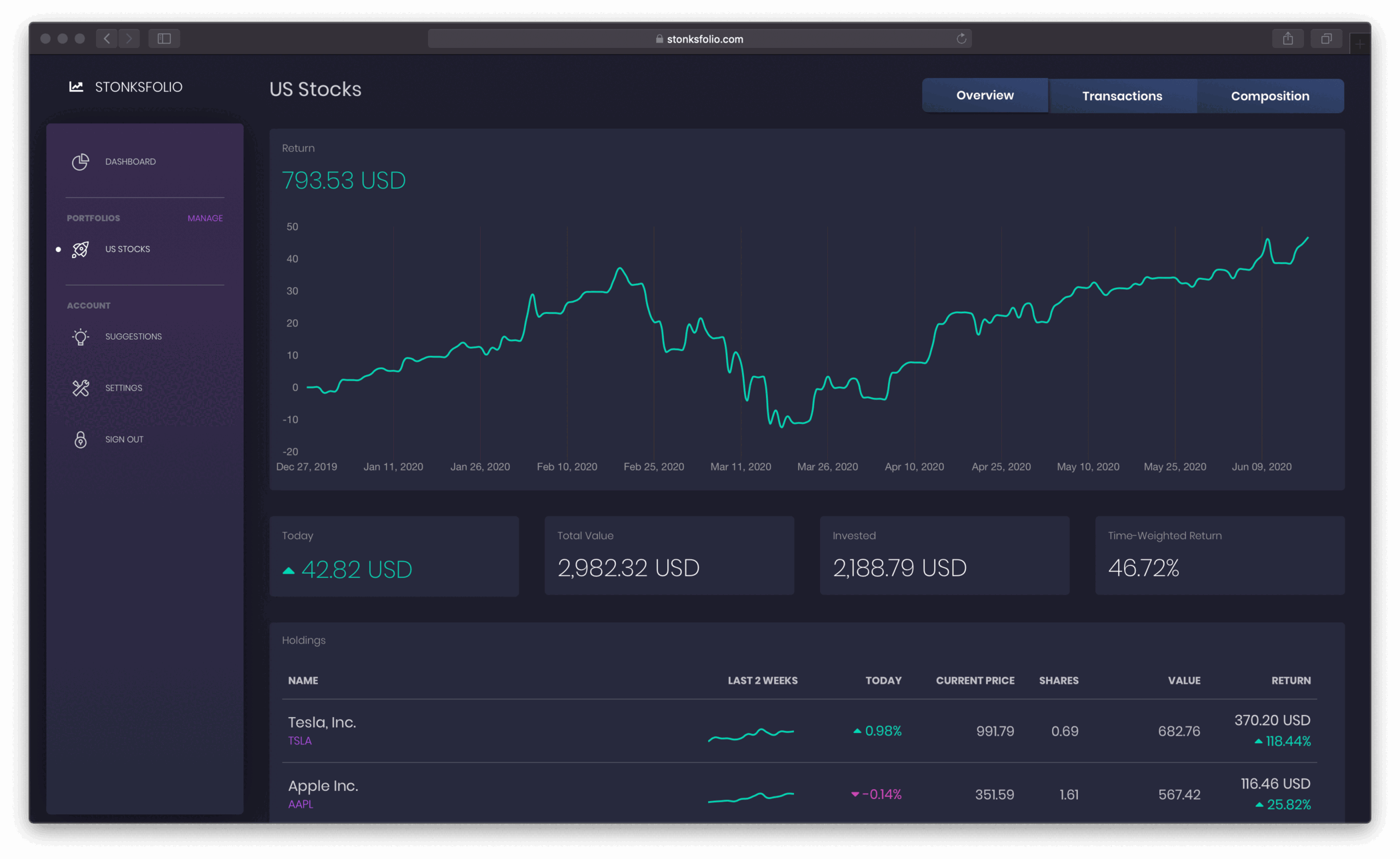
The file lists what you bought and sold. Upload it to Stonksfolio to see how that money did: your time-weighted return, your net return in money, dividends and allocation, next to every other broker you use.
Questions
Which Degiro export has my trades?
The one from Activity → Transactions. The Account export lists cash movements and has no trade details.
How do I export all my Degiro transactions?
Set the from date to the day you opened the account before you click Export. If you'd rather work in smaller files, export one period at a time and upload each of them. Trades already imported are skipped.
Why are my dividends missing from the export?
Dividends are cash movements, so Degiro lists them in the Account export. Add them to Stonksfolio through a short payments CSV.
My file uses commas as decimals. Is that a problem?
No. Degiro writes a decimal comma in some languages, and the import reads both formats.
Upload your Degiro file and see your return
It's free to start and you don't need a credit card.