
Revolut portfolio tracker
Import your Revolut trades and see what your money really earned, next to every other broker you use.
See what your money really earned
Revolut shows you what your account is worth. Stonksfolio shows how well the money did: a time-weighted return that ignores the timing of your deposits, a net return in money, and how much of it came from exchange rates.
- Buys and sells
- Dividends from the same statement
- Fractional shares
- Reversed payments, handled for you
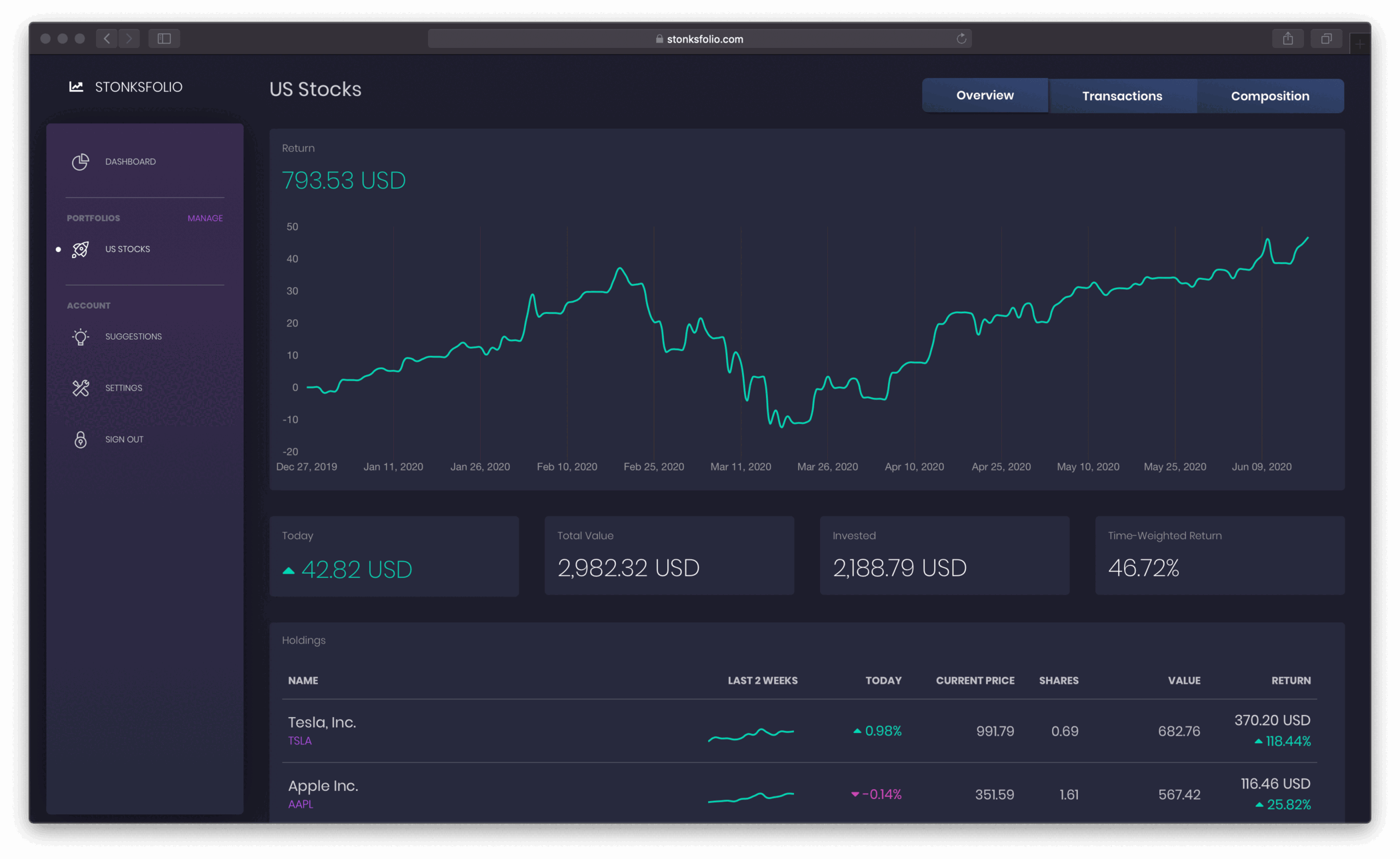
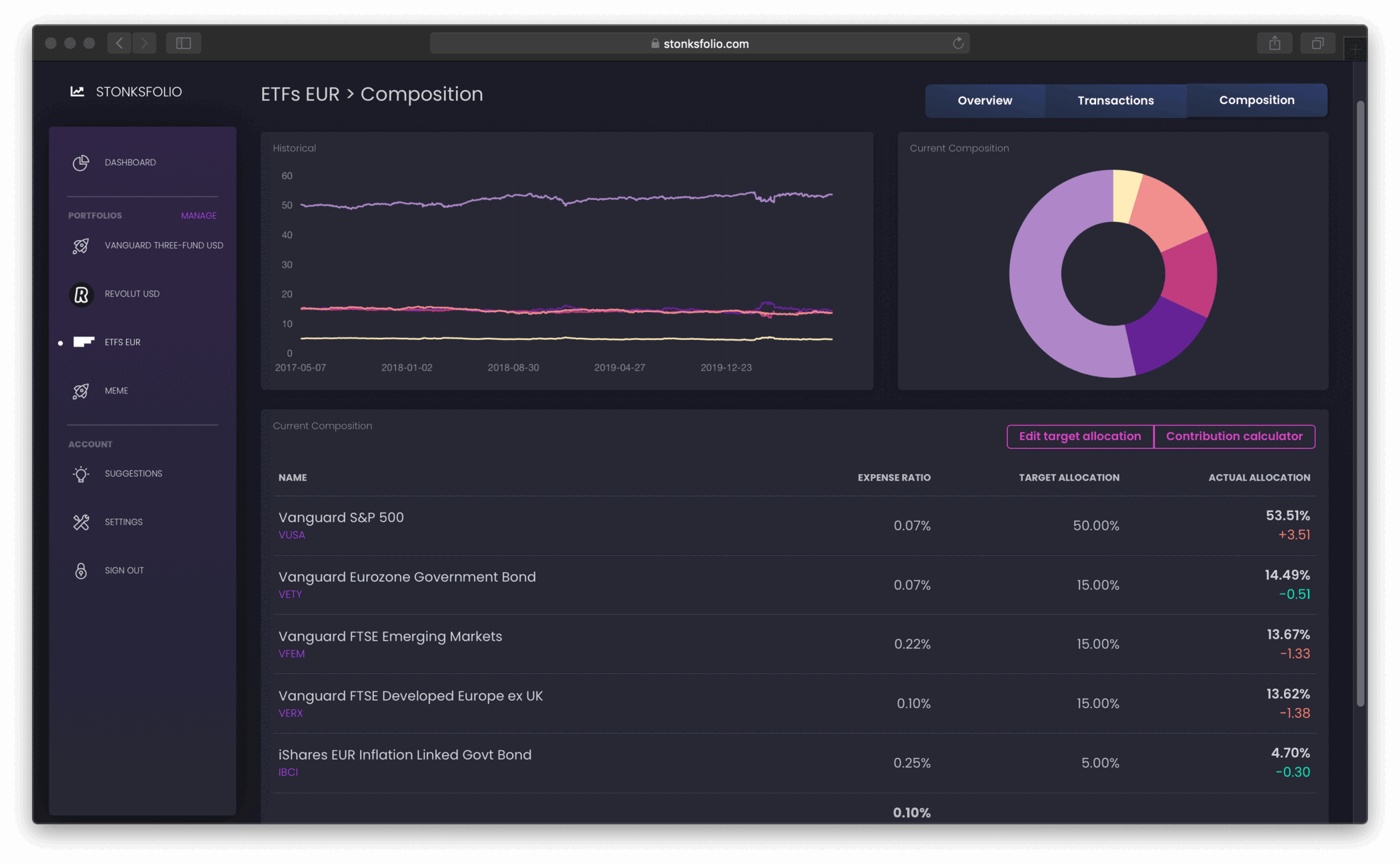
Revolut and the rest, in one place
If you also invest through another broker, add it next to Revolut and see one total and one return across all of them.
Import from Revolut in a few minutes
- In the Revolut app, open the Invest tab and tap ••• More.
- Select Documents from the menu that slides up.
- Tap Brokerage account.
- Under Statements, tap Account statement.
- Switch the format to CSV, pick your period and tap Get statement.
- Open the statement, tap the share icon to save the CSV and upload it to your portfolio in Stonksfolio.
Each step is explained in more detail in Revolut stock statement as CSV.
Revolut specifics
One file, two imports
The account statement holds both your trades and your dividends. Upload it under Transactions, then again under Payments.
Choose CSV
Revolut offers the statement as PDF and as CSV. Only the CSV can be imported.
Reversals
When Revolut reverses a payment, the import pairs it with the original so it doesn't count twice.
Questions
Does Stonksfolio connect to my Revolut account?
No. You download the account statement from the app as CSV and upload it. Nothing can trade on your behalf.
Are dividends imported?
Yes. The same statement carries your dividends. Upload it under Payments as well.
Can I use the PDF statement?
No, only the CSV statement.
Are fractional shares supported?
Yes. Quantities are imported exactly as Revolut exports them.
Bring your Revolut portfolio over
It's free to start and you don't need a credit card.