
Interactive Brokers performance: your real return
What your money earned with Interactive Brokers once deposits, fees, dividends and exchange rates are counted.
Why the Interactive Brokers number doesn't add up
Your other brokers are missing
IBKR's reports cover the IBKR account. If you also hold shares with another broker, neither broker tells you how your money did overall.
Many currencies
An IBKR account often holds cash and shares in several currencies. Seeing how much of the result came from prices and how much from exchange rates takes a split by currency.
Deposits change the picture
Money added during the year moves a simple return. A time-weighted return removes the effect of deposits and withdrawals.
Time-weighted return and net return
How well did my investments do? The time-weighted return answers that. It ignores when and how much you deposited, so you can compare it with an index or a fund.
How much money did I make? The net return answers that, in money, after every deposit, withdrawal, dividend and fee.
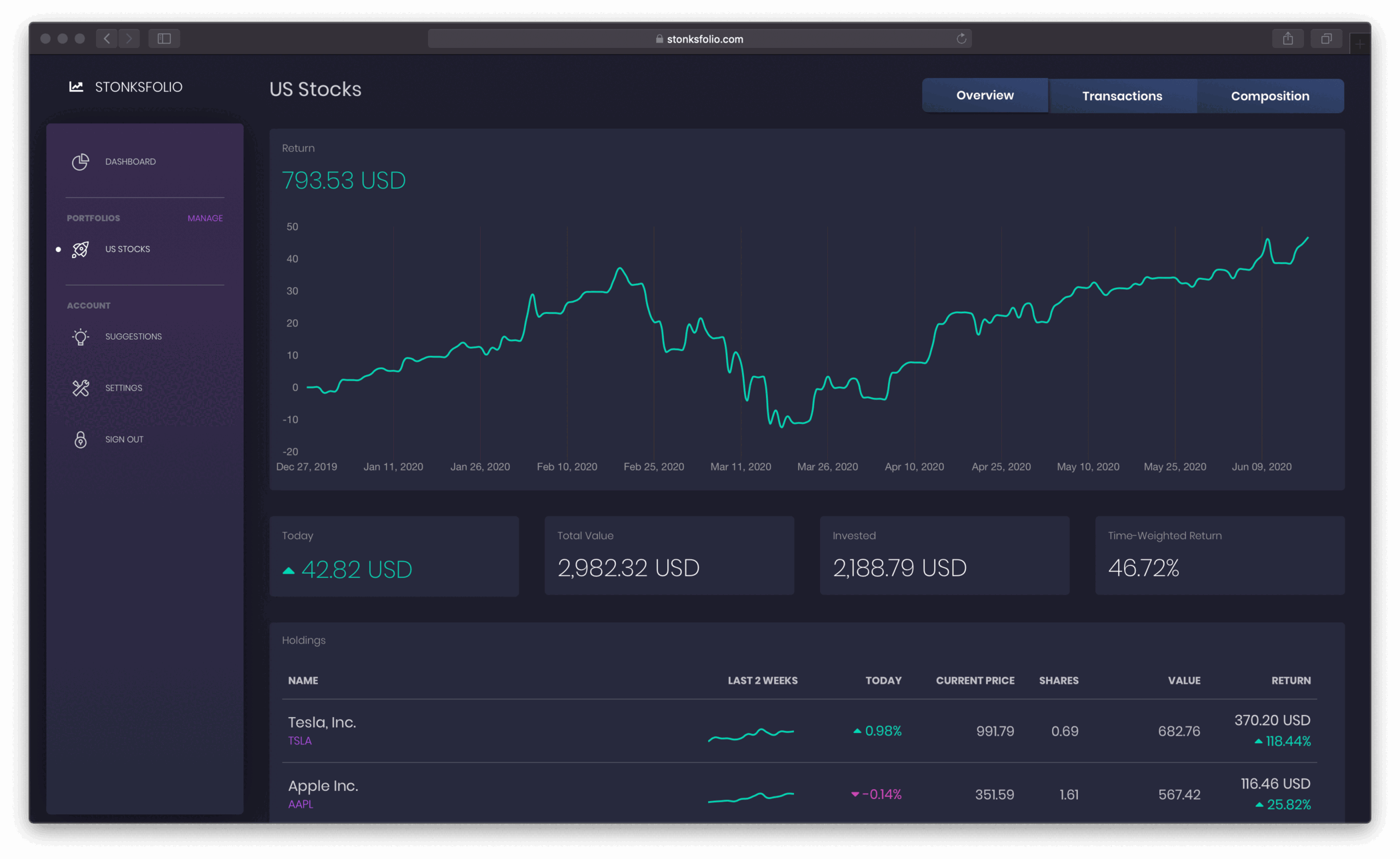
Did you beat the index?
Once your Interactive Brokers trades are in, put your return next to the S&P 500, MSCI World or gold over the same period, and see whether picking your own investments paid off.
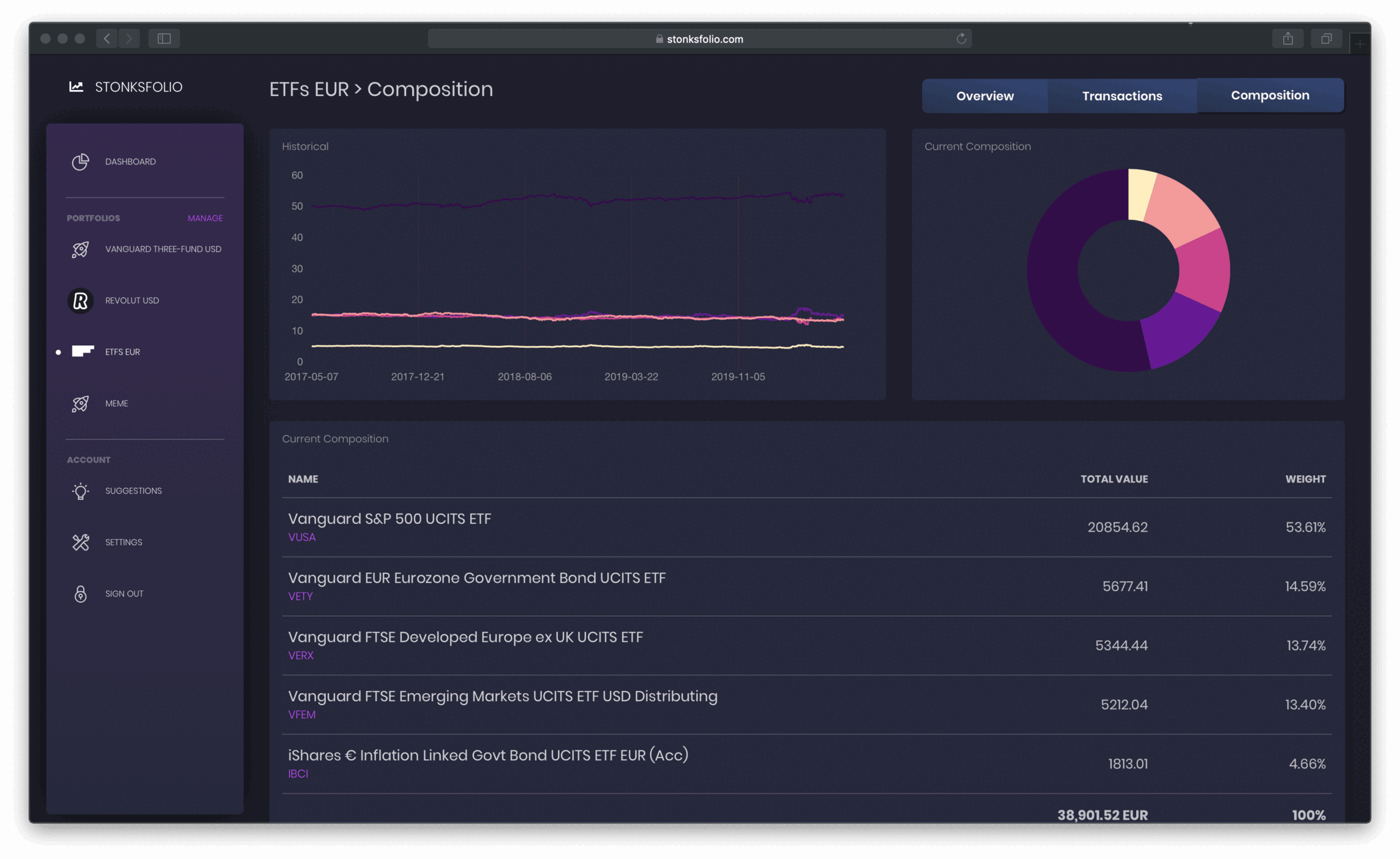
Import from Interactive Brokers in a few minutes
- In the IBKR Client Portal, open Performance & Reports → Flex Queries.
- Create an Activity Flex Query. In the Trades section, pick Execution and the fields Symbol, ISIN, Trade ID, Trade Date, Buy/Sell, Quantity, TradePrice, IB Commission and Currency.
- Under Delivery Configuration, set the period to Last 365 Calendar Days and the format to CSV, then save the query and copy its Query ID.
- Open Flex Web Service Configuration, switch the service on and copy the current token.
- Paste the Query ID and the token into your portfolio settings in Stonksfolio and click Test Connection. New trades are picked up automatically from then on.
Each step is explained in more detail in IBKR Flex Query for portfolio tracking and the Interactive Brokers import guide.
Questions
How do I see my real return on Interactive Brokers?
Import your Interactive Brokers history into Stonksfolio. It works out the time-weighted return, the net return in money and the effect of exchange rates from your trades and payments.
What is a time-weighted return?
A return that removes the effect of deposits and withdrawals. It shows how your investments did, regardless of when you added money, so you can compare it with an index or a fund.
Why is my return in Interactive Brokers different from Stonksfolio's?
A broker usually compares what your holdings are worth with what you paid for them. That mixes in the timing of your deposits and leaves out positions you have sold and dividends paid out as cash.
Can I compare Interactive Brokers with my other brokers?
Yes. Each broker can be its own portfolio, and the aggregated view on the Pro plan adds them up into one total and one return.
See what your Interactive Brokers portfolio really earned
It's free to start and you don't need a credit card.