
Degiro portfolio tracker
Import your Degiro trades and see what your money really earned, next to every other broker you use.
See what your money really earned
Degiro shows you what your account is worth. Stonksfolio shows how well the money did: a time-weighted return that ignores the timing of your deposits, a net return in money, and how much of it came from exchange rates.
- Buys and sells on every exchange
- Commissions, including those charged in another currency
- Files with a decimal comma or a decimal point
- Dividends and deposits from a simple payments CSV
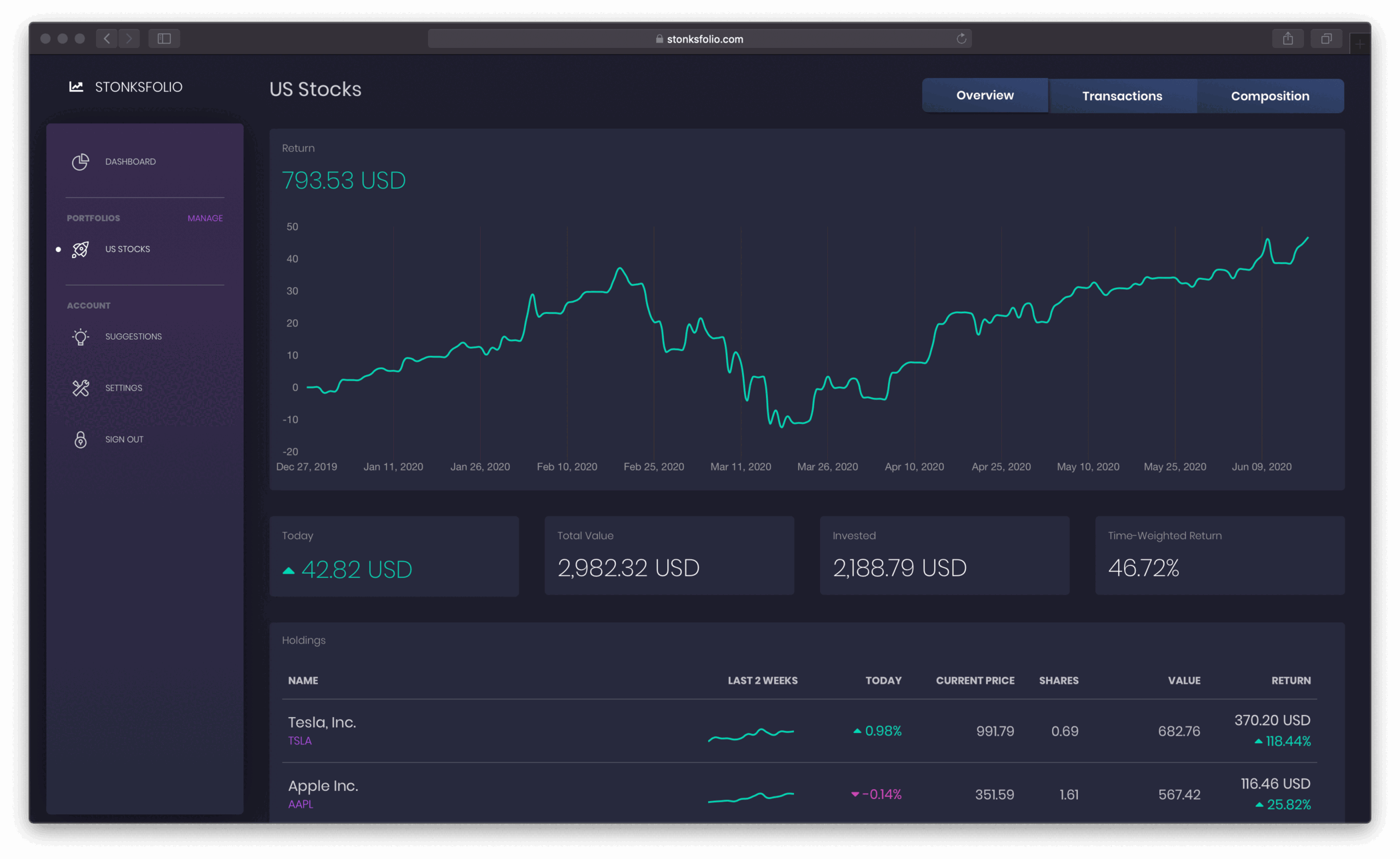
Degiro and the rest, in one place
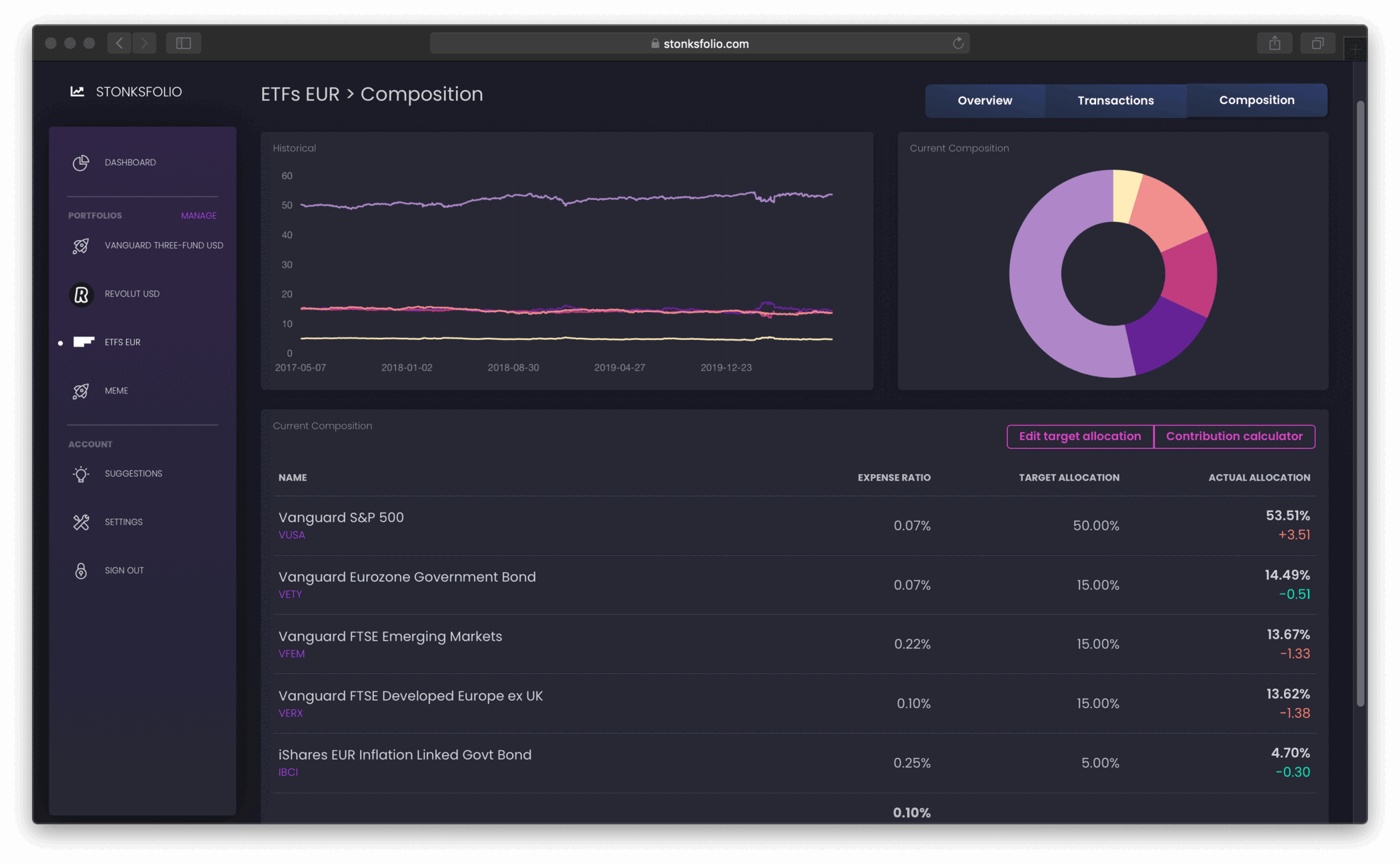
If you also invest through another broker, add it next to Degiro and see one total and one return across all of them.
Import from Degiro in a few minutes
- Log in to Degiro on the web and open Activity from the menu.
- Open the Transactions tab. The Account statement has no trade details, so it won't work.
- Set the dates to cover everything you want to import, click Export and choose CSV.
- Upload Transactions.csv to your portfolio in Stonksfolio and review the trades before they are saved.
Each step is explained in more detail in Degiro export transactions and the Degiro import guide.
Degiro specifics
Use the Transactions tab
Degiro has two exports under Activity. The Account statement next to it lists cash movements without trade details.
Fees in another currency
Commissions charged in a different currency are converted with the rate in the file, so your cost basis matches what you paid.
Any language
Degiro writes numbers with a decimal comma in some languages. The import reads both formats.
Questions
Does Stonksfolio connect to my Degiro account?
No. Degiro doesn't let other apps read your account, so you upload the CSV export from the website. Nothing can trade on your behalf.
Which Degiro export do I need?
The CSV from Activity → Transactions. The Account statement doesn't contain trade details.
Do I get duplicates if I upload overlapping files?
No. Each trade is recognised by its date, time, product, quantity and price, and one that is already in the portfolio is skipped.
Can I import dividends?
The trade import reads buys and sells. Dividends, deposits and withdrawals go in through a short payments CSV or one by one.
Bring your Degiro portfolio over
It's free to start and you don't need a credit card.